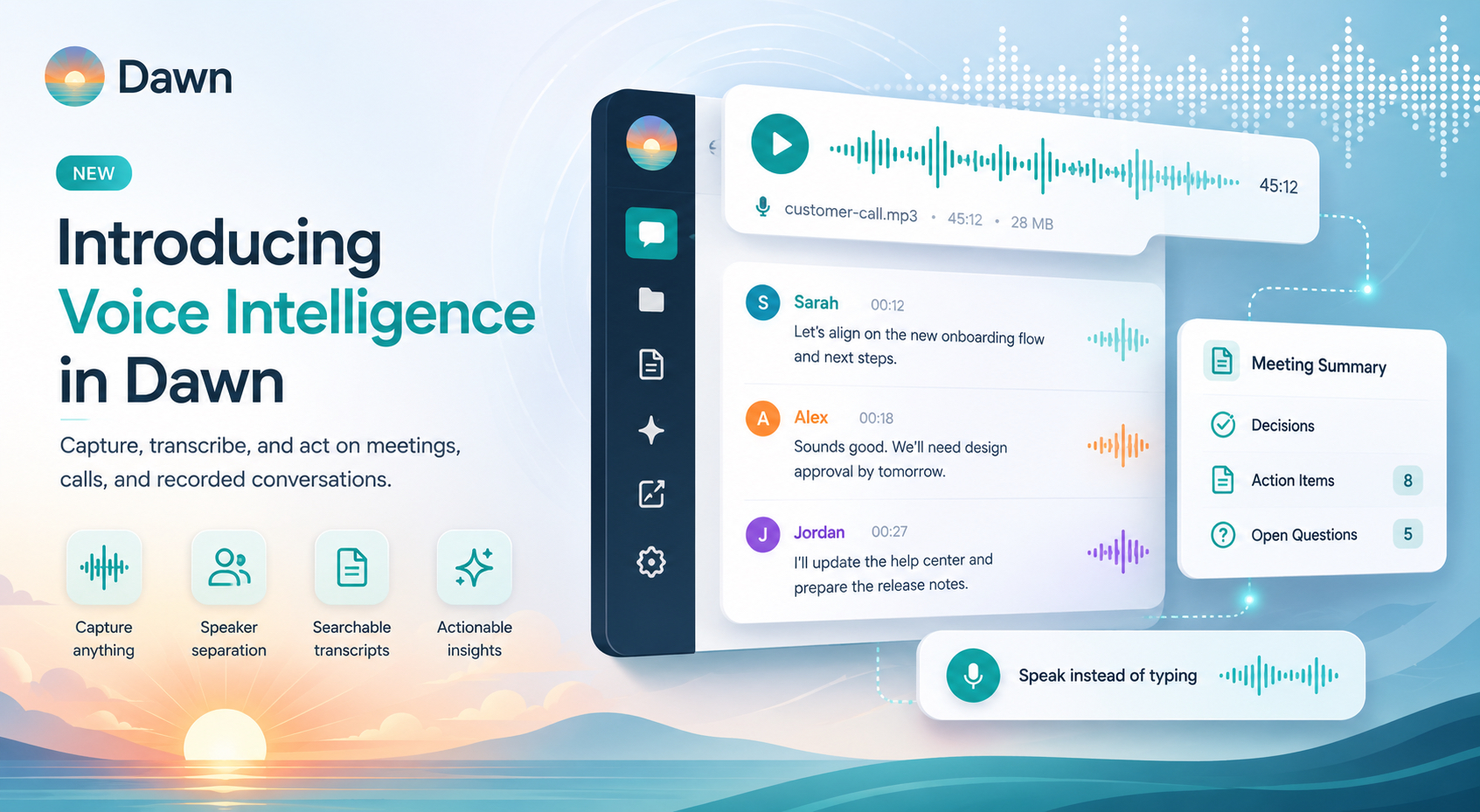
Dawn now has Voice Intelligence: a capability for capturing meetings, calls, and recorded conversations and turning them into searchable, actionable workspace content. Attach a recording to a thread, or dictate a prompt directly into the composer, and Voice Intelligence transcribes it, separates the speakers, and makes the result available as a workspace file the team can read, search, summarize, and act on.
AI-first companies are converging on the same idea: an agent is only as useful as the knowledge it can reach. Documents, tickets, and code have been part of Dawn’s working context for a while. Spoken work was not. A planning meeting, a customer call, a recorded design review, an interview. All of it stayed locked in the recording, outside what Dawn could help with. Voice Intelligence brings spoken work into the same workspace knowledge the agent already works from.
Most teams already record their important conversations. Far fewer act on what was said. The recording sits in a drive, the decisions live in someone’s notes, and the action items get re-discovered three weeks later. With Voice Intelligence, the recording becomes a transcript, the transcript becomes context, and the agent can take it from there.
Capture Meetings and Spoken Work
Attach an audio or video file to a thread and ask Dawn to transcribe it.
Voice Intelligence uses ElevenLabs’ speech-to-text models, which are built for real recordings rather than studio-quality audio. Meetings with overlapping voices, side conversations, background noise, a single bad microphone, or a remote participant on a weak connection still produce a usable transcript. The transcript is not perfect (no transcription is), but it stays usable in the conditions where most real recordings are made.
Speakers are separated automatically. The transcript shows who said what, so a long meeting can be scanned in a few minutes, a decision can be traced to the moment it was made, and a single person’s contributions can be pulled out for follow-up. That matters for product reviews, customer calls, interviews, planning sessions, and any conversation where the value is in the back-and-forth rather than a single voice.
From there, the transcript becomes normal Dawn context. Ask for a summary, action items, open questions, a customer-ready recap, a follow-up email, or a ticket. The recording, transcript, and resulting work all stay tied to the same thread instead of scattering across downloads, local notes, and copied text.
Speak Instead of Typing
Voice Intelligence also covers the composer.
When the thought is easier to say than write, or when you are in the middle of reviewing something and do not want to stop to compose a careful message, you can record the prompt and send it. Dawn turns the audio into text and continues the conversation from there.
Voice input is for the moments where speed matters or where the prompt is naturally spoken: “summarize what changed here”, “turn this into a bug report”, or “draft a follow-up plan from this recording.”
Longer Recordings Handled Cleanly
Long recordings need different treatment from short voice notes.
Dawn splits longer media into smaller transcription work so a single large file is less likely to fail because it exceeds a provider’s per-request limit. The user experience stays simple: attach the recording, ask for the transcript, and receive a usable transcript file without manually cutting the audio first.
There are still practical limits. Very large uploads, very long recordings, or poor source audio can fail or produce imperfect output. But the default path is now suited to real meetings and calls rather than an all-or-nothing transcription request.
Usage Is Tracked Like Other AI Work
Transcription consumes provider capacity, so Dawn meters it against the same workspace credits as text generation. A minute of transcribed audio is billed at the same credit rate as the equivalent provider call, alongside everything else the workspace runs.
Transcripts Stay With the Thread
The output of transcription is a file.
That means the transcript can be downloaded, previewed, mentioned later, or reused as context for the next step, just like any other Dawn file. A support call transcript can become a customer summary. A demo recording can become release notes. A meeting can become decisions and action items. A bug reproduction video can become a ticket with clear steps.
The transcript is not the end of the workflow. It is the start of the work the team actually needs to do.
Getting Started
Attach an audio or video file to a Dawn thread and ask Dawn to transcribe it. To dictate a prompt instead, use the voice control in the composer.
After the transcript is attached, continue naturally:
Summarize this meeting into decisions, action items, and open questions, grouped by speaker.
From this customer call transcript, draft a follow-up email and a list of feature requests.
Create a bug report from this screen recording transcript.
Related guides:
Meetings, calls, demos, and recorded conversations no longer have to sit untouched in a drive. Voice Intelligence captures them, separates the speakers, and turns the result into context the team can search, summarize, and act on, alongside the docs, tickets, and code the workspace already runs on.