Update
Live Dashboards Now Run on Connected Data
Dawn Live Dashboards can now refresh governed server-side datasets from plugins, workspace files, personal connections, and public web pages.

Dawn Team
Product Engineering
Dawn Live Dashboards can now refresh governed server-side datasets from plugins, workspace files, personal connections, and public web pages.
Dawn Team
Product Engineering
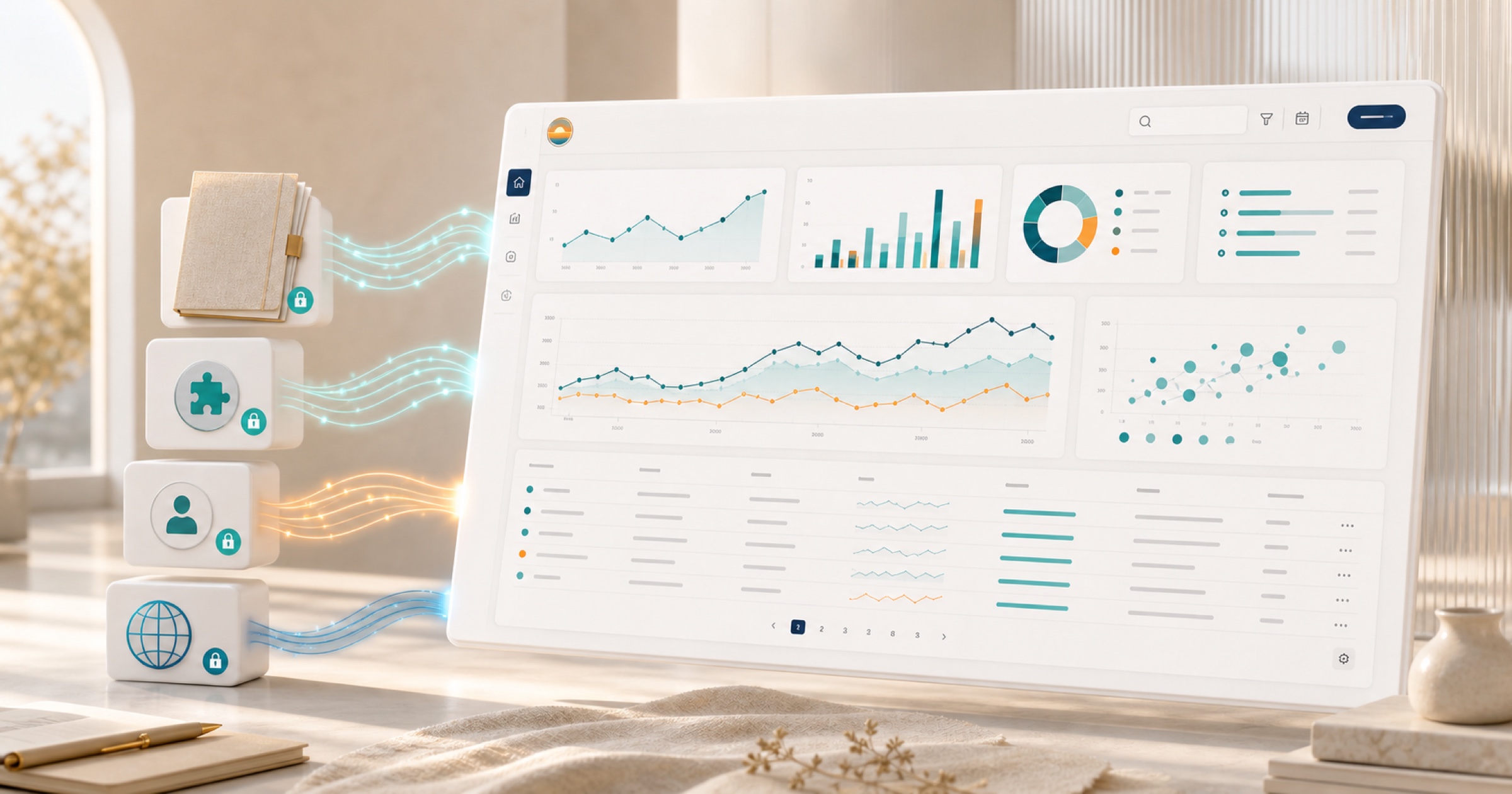
Dawn Live Dashboards can now run governed datasets over connected tools, workspace files, personal connections, and public web pages. A dashboard can refresh its data on the server when someone opens or interacts with it, instead of showing only the values that were present when the agent first built the view.
The first release of Live Dashboards made it possible to turn a conversation into an interactive view. This update makes those views genuinely live. The layout remains a small, purpose-built website, while the changing information comes from dataset queries that retain the same access boundaries as the agent and sources behind them.
A useful operational dashboard should not need to be regenerated every time one number changes. Dawn now separates the view from the data it requests.
An agent can build a release dashboard whose pull requests and pipeline results update from Azure DevOps, a campaign view that queries current analytics, or a customer-risk board that combines a workspace file with the latest records from an assigned tool. When a viewer searches, sorts, changes a date range, or moves to another page, the dashboard can request the relevant slice of data rather than loading everything up front.
That creates a better loop for recurring questions:
Build a release dashboard with open pull requests, failing pipelines, and overdue work items. Add filters for owner and repository.Create a campaign dashboard for the last 30 days with a date range, channel filter, and a table of the top landing pages.The resulting dashboard is still focused on a specific job. It simply has a governed path back to the current source data.
Live datasets can use the same kinds of information that make Dawn conversations useful: tools exposed by installed plugins, workspace files, supported personal connections, and public web pages.
This means a dashboard does not have to pretend that all data lives in one system. A launch view can combine repository activity with a release checklist. A customer review can use a shared spreadsheet alongside current ticket data. A personal morning view can use the signed-in user’s calendar while remaining private to that person. A market monitor can extract a focused set of facts from public pages and present them beside internal research.
The dashboard does not gain new access of its own. Its datasets execute through Dawn’s governed tool surface and remain bound to the source, workspace, user, and sharing rules that apply to the data. If access is removed, the dashboard cannot keep using that source simply because it once returned a result.
The dataset contract supports the interactive inputs a real view needs: filters, search text, sorting, date ranges, and paging.
That lets the view request the information it actually needs. A table can fetch one page of work items, sort it by updated date, and filter it to a selected team. A chart can ask for a bounded date range. A search box can query the source rather than hiding rows already downloaded to the browser.
Keeping those operations in the dataset is better for both clarity and scale. The dashboard stays responsive, provider limits are easier to respect, and private source results do not have to be embedded into the published page as a large static payload.
Dawn can run a dataset while the dashboard is still a draft. That gives the agent and user a chance to check the returned shape, empty states, filters, and error handling before the view is shared.
The practical workflow is straightforward: ask for the dashboard, inspect the draft, try the filters with real data, and request revisions in the same thread. If a source returns too much information or does not support the desired query, narrow the dataset before publishing.
Live does not mean unrestricted. Dataset runs have bounded execution and output, and the generated page cannot make arbitrary network requests around Dawn. The view receives only the dataset result it is allowed to request.
Sharing follows the most restrictive source behind the dashboard. A view backed only by workspace-visible sources can be shared with the appropriate workspace audience. A dashboard that uses a personal calendar, personal drive, or another owner-private source stays private rather than publishing that data to teammates.
This is especially important for dashboards that combine several sources. A public page does not make a private file public, and a broadly available plugin does not widen a project or folder boundary. Dawn checks whether the complete data path is compatible with the requested share mode.
If the source is no longer available or a viewer does not have the required access, the dashboard should fail clearly rather than silently serving old privileged data.
Ask Dawn to create or revise a Live Dashboard from a thread. Name the sources to use, the question the view should answer, and the controls people need. Then test it with current data before sharing.
Live Dashboards are now more than interactive snapshots. They can become small, refreshable operational views over the same governed data that Dawn agents already use—without turning the dashboard into a second integration system or a copy of the source of truth.