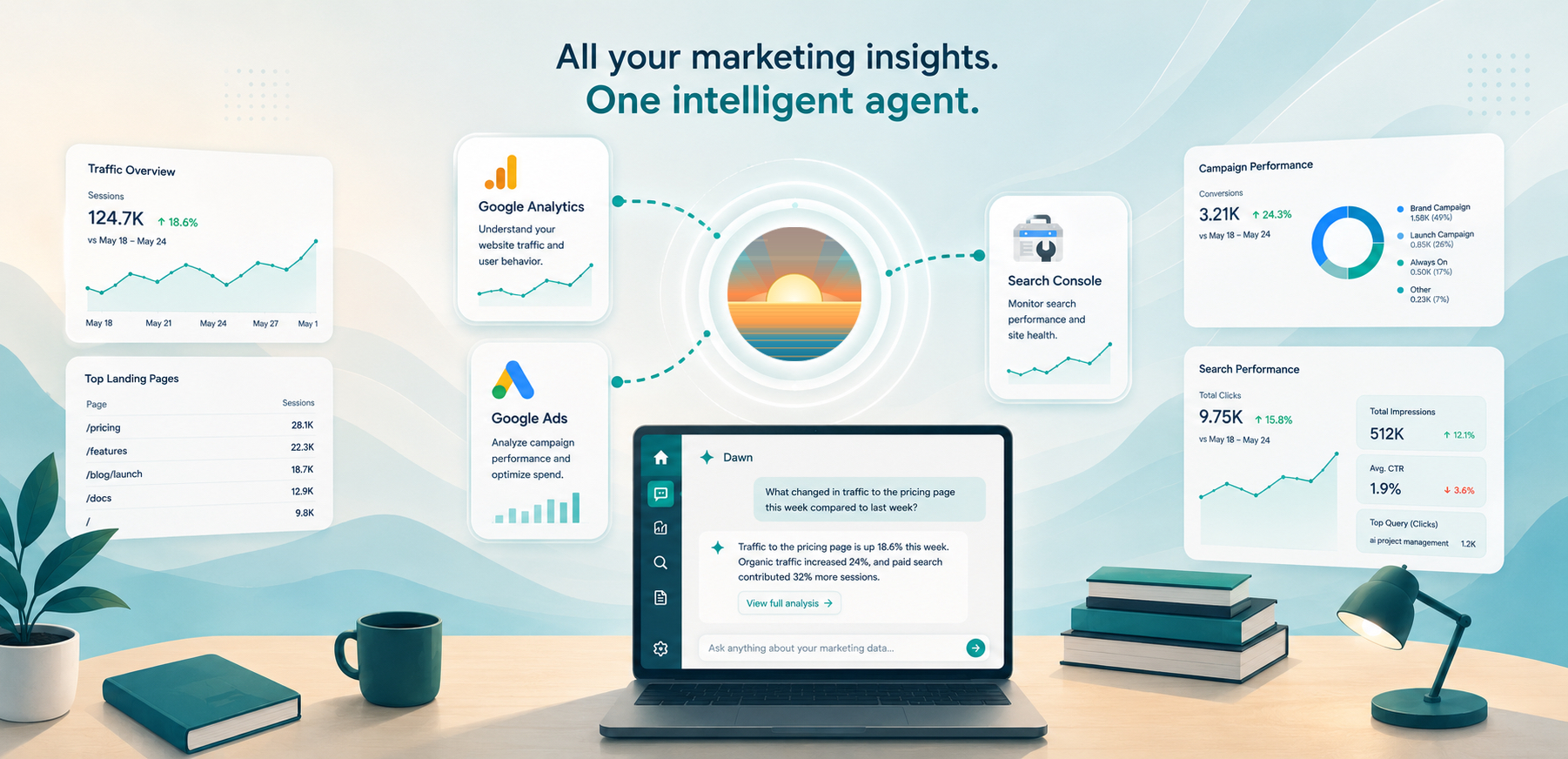
Dawn now supports Google Analytics, Google Ads, and Google Search Console as workspace integrations. Owners and managers can connect marketing sources, assign them to the agents that need them, and let those agents answer traffic, campaign, and search-performance questions from the same Dawn conversations where teams already plan and investigate work.
This gives marketing, product, growth, and engineering teams a shared way to ask questions about how the site is performing without making every person open a different Google dashboard, rebuild the same report, and paste screenshots into chat.
Ask About Traffic Without Rebuilding the Report
Google Analytics support lets an assigned agent read metadata for a connected property, understand which dimensions and metrics are available, and run bounded reports for the question at hand.
That makes the everyday questions easier:
What changed in traffic to the pricing page this week compared with last week?
Show the top landing pages by active users for the last 30 days and call out anything surprising.
Compare organic traffic and referral traffic for the launch pages since Monday.
The user does not need to remember the exact reporting shape before asking. Dawn can inspect the connected property, choose the relevant metrics and dimensions, and explain the result in the same thread where the team is discussing what to do next.
Bring Google Ads Context Into Campaign Questions
Google Ads support gives Dawn read-oriented access to connected customer reporting. Agents can inspect customer profile fields and run reporting queries for campaign, ad group, keyword, budget, and performance questions where the connected account has access.
That helps with questions like:
Which campaigns spent the most this month, and which ones had the weakest conversion rate?
Compare branded and non-branded search campaign performance for the last two weeks.
Find campaigns with rising cost but flat conversions and summarize what we should inspect first.
This release is focused on investigation and reporting, not campaign editing. Dawn can help the team understand what is happening and prepare the next action, while day-to-day campaign changes still belong in the native Google Ads tools.
Search Console Explains What Google Sees
Search Console support lets Dawn query search analytics for a connected site, inspect submitted sitemaps, and check indexing data for specific URLs.
That closes a common gap between marketing and engineering conversations. A team can ask why a page is not getting search traffic, whether a launch page has started appearing for the right queries, or whether Google sees an indexing problem on a URL that matters.
Useful questions include:
Which queries drove clicks to the docs site last week, and which high-impression queries had low click-through rate?
Inspect this launch page URL and tell me whether Google reports indexing issues.
List the submitted sitemaps for this site and flag anything that looks stale.
Because Search Console lives next to other Dawn context, the answer can be more useful than a metric dump. The agent can connect search performance to launch notes, docs changes, work items, memory pages, and website source changes where those sources are available.
One Conversation for Marketing and Product Context
These sources earn their value together. The strongest questions span several of the systems a team already uses at once: a traffic change, the campaign behind it, and the search queries around it.
A product manager can check whether a recent feature launch is showing up in traffic; a marketer, which landing pages deserve follow-up copy work. A support lead might watch for rising search interest around a known customer pain point, and an engineer can confirm whether a deployment changed traffic or indexing on a critical page.
Dawn can combine connected marketing sources with the rest of the workspace context assigned to the agent: repositories, docs, work items, memory pages, files, and prior conversation history. The result is a practical investigation, not a detached analytics screenshot.
Assigned Per Agent
Google marketing integrations follow Dawn’s normal connected-source model. A workspace owner or manager connects the provider, links the source, and assigns it to the agents that should use it.
That matters because marketing data is sensitive. Not every agent needs access to ad spend, campaign reporting, or search-performance data. A growth agent might have all three Google marketing sources. A support agent might only need Search Console for public docs questions. A coding agent might not need any of them.
The source boundary stays explicit, and agents can only use the sources they have been assigned.
What This Does Not Replace
This release does not replace Google Analytics, Google Ads, or Search Console. Use the native Google tools for dashboard building, account administration, campaign editing, attribution modeling, and deep exploratory analysis.
Dawn is useful when the team has a question and wants the answer in context: explain what changed, compare a small set of metrics, inspect a URL, summarize campaign performance, or turn the result into a plan. The goal is to get from the data to the next decision inside the same conversation.
Getting Started
Open Dawn Web, go to Integrations, connect the Google marketing source you want to use, and assign it to the right agent. Each provider has a setup page: Google Analytics, Google Ads, and Google Search Console. Then ask a direct question about a property, customer, site, campaign, landing page, query, or URL.
Good first prompts are simple:
Summarize the biggest traffic changes for our main site over the last seven days.
Find the Google Ads campaigns with the highest spend this month and explain which ones need attention.
Check whether this new landing page is indexed and what search queries are already reaching it.
With Google Analytics, Google Ads, and Search Console connected, a growth or site-performance question gets answered where the team is already working, alongside the docs, work items, and launch notes that explain it.