Update
Azure DevOps Is Now a First-Class Dawn Plugin
Connect selected Azure DevOps projects, choose the agent actions you allow, and start Dawn workflows from pull request, work item, and pipeline events.

Dawn Team
Product Engineering
Connect selected Azure DevOps projects, choose the agent actions you allow, and start Dawn workflows from pull request, work item, and pipeline events.
Dawn Team
Product Engineering
Azure DevOps has been part of Dawn since launch. It is now rebuilt as a first-class Plugin: connect an organization, link the projects Dawn should use, choose the actions agents may take, and start workflows from pull request, work item, and pipeline events.
The rebuild is what the Plugins release makes possible. Project linking, capability control, and event subscriptions now come from the same contracts every other provider uses, so the parts of Azure DevOps support that used to be bespoke are the parts that now improve alongside everything else.
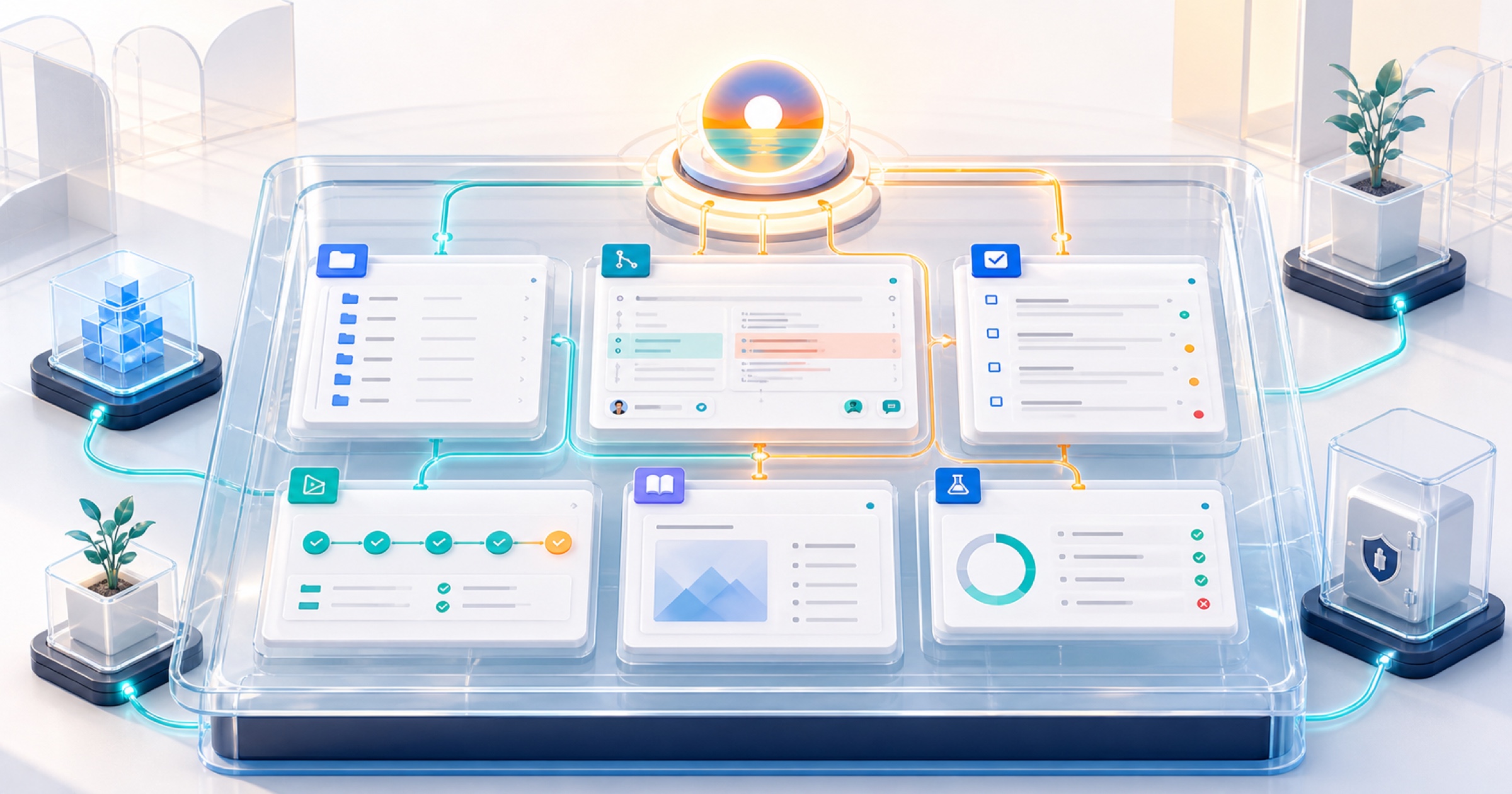
Azure DevOps often holds several parts of the same decision: the code, the pull request, the work item that explains why it exists, the pipeline that says whether it is ready, the wiki that documents the system, and the test plan that defines how it should be checked. The plugin lets an agent work across that project context without turning the connection into unrestricted organization-wide access.
Setup begins with an Azure DevOps organization URL and a personal access token. Dawn discovers the projects visible to that identity, and you link only the projects the workspace needs.
Projects are the access boundary. Repositories, pull requests, wikis, work items, pipelines, and test plans are selected inside a linked project when the agent works. If a project is not linked, its content is not available through the plugin even when the connected Azure DevOps identity could otherwise see it.
That keeps the setup practical for organizations with many teams. A product workspace can link the projects behind one product line instead of importing an entire Azure DevOps organization. More projects can be added later when the job expands.
Read capabilities are the starting point. Agents can inspect repository trees and files, search code, review recent commits, read pull requests and their changes, search wikis, query work items, inspect CI status, and work with test plans, suites, and cases.
That supports requests such as:
Review the open pull requests for this release, check their pipeline status, and flag any work item whose acceptance criteria are not covered.Find where the retry policy is implemented, compare it with the wiki guidance, and list the work items related to changing it.Actions that change Azure DevOps are separate. Depending on what the workspace enables, an agent can comment on or update a pull request, cast a review vote, complete or abandon it, create and update work items, change their state, or create and organise test plans and cases.
Those permissions should match the agent’s role. A review agent may need to read changes and leave comments but not merge. A planning agent may create and update work items without touching code. A release agent may inspect pipelines while final completion remains a human decision.
The plugin can subscribe to supported Azure DevOps events and use them to start Dawn Workflows. Pull request activity can trigger a review, a work item change can trigger an impact check, and a pipeline result can trigger an investigation or release update.
Event filters keep those workflows focused. A workflow can be limited to selected repositories, branches, pipelines, work item types, or area paths, and pull request workflows can decide whether drafts belong in the flow.
For example, a team can start a release-readiness workflow only when the production pipeline completes, or run a review workflow only for pull requests targeting the main branch in two repositories. Dawn receives the event context and uses the agent and project permissions already configured for that workflow.
This is not a blanket automation switch. Linking a project does not create workflows automatically. The team chooses the event, filter, and agent for each job.
The Azure DevOps plugin validates the organization connection and shows whether the provider hooks behind event-driven workflows are healthy. If credentials change, the token can be replaced without rebuilding the rest of the setup. Event hooks can be checked and reconciled when Azure DevOps configuration drifts.
As with any provider credential, use a dedicated identity where practical and grant the personal access token only the Azure DevOps scopes required by the tools and events you intend to enable. A read-focused setup needs read scopes; enabling write actions requires the corresponding provider permission as well as permission in Dawn.
Open Plugins, choose Azure DevOps, and follow the guided setup:
The Workflows guide explains how event-driven runs behave once the project connection is ready.
Azure DevOps can now be part of the full Dawn work cycle: understand the code and plan, inspect delivery state, take only the approved actions, and respond automatically when important project events occur.
Cobalt, our coding agent with a computer of its own, now works with Azure DevOps repositories as well, so a team on Azure DevOps can use both products.